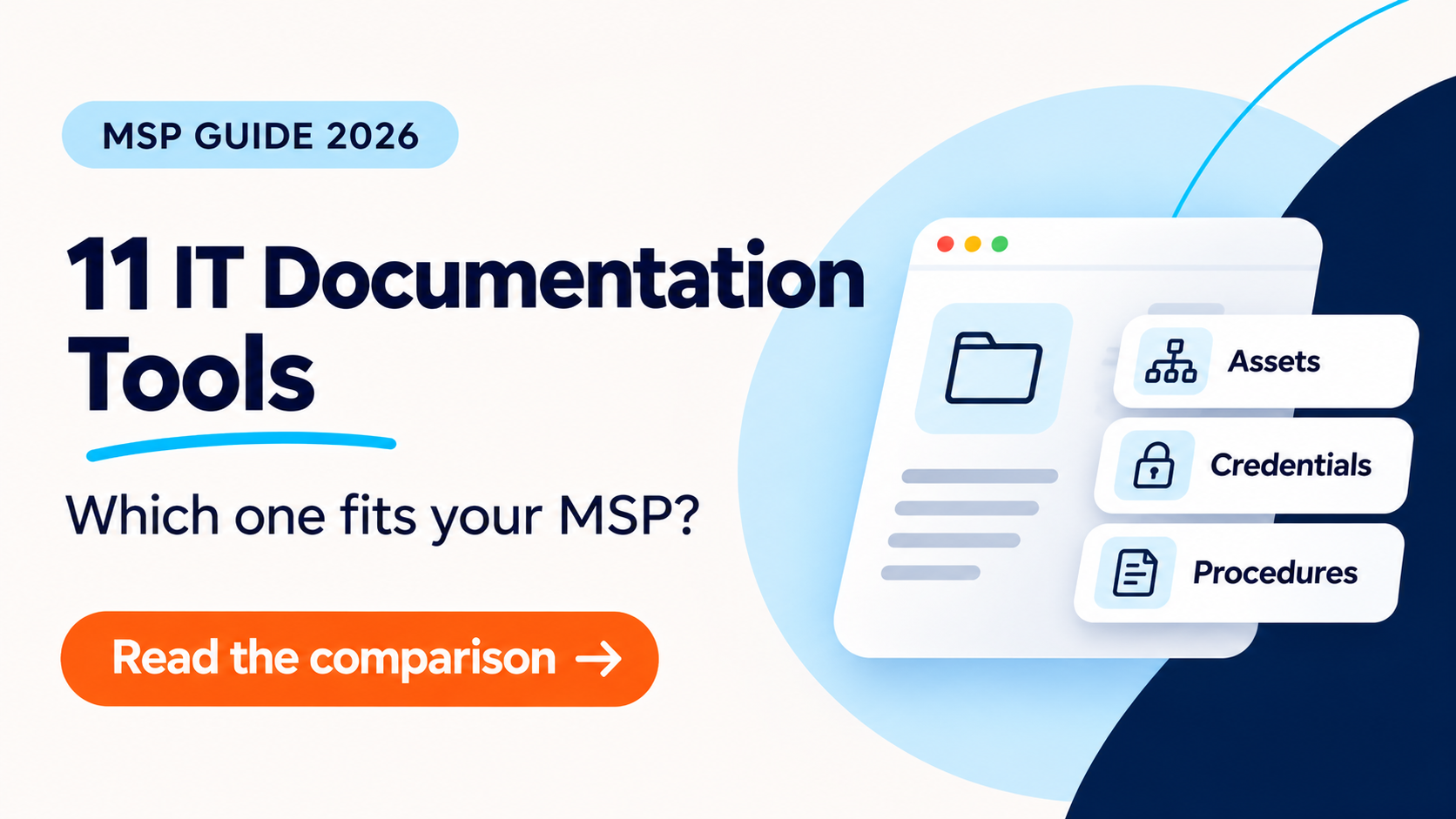

The best IT documentation software makes technical information easy to find, maintain and use during IT operations. IT Glue and Hudu specialize in structured documentation, while alternatives such as Confluence, BookStack and Document360 address broader knowledge management needs.
For MSPs and IT teams, the real challenge goes beyond storing passwords, network diagrams and procedures. It is about keeping that information accurate, accessible and connected to daily workflows so technicians can resolve incidents, onboard customers and restore services without wasting time searching for context.
This guide compares eleven solutions, from dedicated IT documentation platforms to specialized inventory tools and general-purpose knowledge bases, to help you identify the right fit for your operations.
If you are looking for structured documentation connected to your service operations, explore IT Glue with BeMSP.
Key takeaways
- IT Glue brings together structured IT records, credentials and integrations.
- Hudu is a direct alternative with flexible hosting options.
- Passportal emphasizes credential management and related documentation.
- Confluence and BookStack are better suited to general knowledge bases.
- Integration depth, access controls and documentation accuracy matter more than feature counts alone.
IT documentation software at a glance
This is an editorial shortlist, not an independently tested performance ranking. Product editions, integrations and commercial conditions should be checked with each vendor.
A closer look at the leading documentation tools
IT Glue
Overview
IT Glue is a purpose-built IT documentation platform that organizes technical records, passwords, procedures and relationships between assets. It is designed to help service teams maintain consistent information across customer environments.
Key capabilities
- Structured documentation and configuration records.
- Credential management and access permissions.
- Relationships between technical assets.
- Standardized documentation processes.
- Integrations with supported PSA and RMM products.
Strengths
Its structured approach helps technicians move between related information rather than searching through disconnected documents. Integrations can also reduce the need to maintain the same information in multiple systems, depending on the supported data flows.
Limitations to consider
The value of its integrations depends on your existing software stack. Licensing, available features and implementation requirements should be assessed against the current commercial offer.
Best suited to
IT service providers that need standardized, client-centric documentation connected to established support processes.
Hudu
Overview
Hudu is a dedicated IT documentation platform for service providers and internal IT teams, with cloud-hosted and self-hosted options.
Key capabilities
- Client and asset documentation.
- Password management.
- Processes and checklists.
- API and integration options.
- Flexible hosting arrangements.
Strengths
Hudu combines specialized documentation features with deployment flexibility, making it relevant to teams with specific hosting requirements.
Limitations to consider
Self-hosting introduces responsibilities for infrastructure maintenance, backups, updates and security. Integrations should be tested against the actual operational stack.
Best suited to
Teams seeking a specialized alternative to IT Glue, particularly when hosting flexibility is an important consideration.
N-able Passportal
Overview
N-able Passportal combines credential management with documentation features for IT service providers.
Key capabilities
- Centralized password storage.
- Credential access controls.
- Password rotation capabilities.
- Technical documentation.
- Integrations with supported IT management tools.
Strengths
Its credential-focused design can support organizations that manage privileged access across many customer environments.
Limitations to consider
The documentation capabilities and available modules should be checked against requirements for asset relationships, procedures and broader technical records.
Best suited to
Service teams prioritizing password management alongside their documentation workflows.
ConnectWise ITBoost
Overview
ConnectWise ITBoost is an IT documentation solution associated with the ConnectWise product ecosystem.
Key capabilities
- Centralized technical documentation.
- Customer and asset information.
- Password management.
- Knowledge base functionality.
- Supported ConnectWise integrations.
Strengths
It is particularly relevant to organizations seeking to connect documentation with existing ConnectWise service processes.
Limitations to consider
Current availability, packaging and supported integration workflows should be confirmed directly with ConnectWise.
Best suited to
Teams already operating within the ConnectWise ecosystem.
IT Portal
Overview
IT Portal provides structured IT documentation for customer environments, technical assets and operational information.
Key capabilities
- Organized technical records.
- Password management.
- Customer and infrastructure documentation.
- User access permissions.
- Documentation history.
Strengths
Its structured organization can help teams establish consistent documentation conventions across different environments.
Limitations to consider
Search usability, integration capabilities and administrative effort should be tested with representative customer records.
Best suited to
Organizations seeking a dedicated technical documentation repository.
ITFlow
Overview
ITFlow is an open-source platform designed for IT service providers, combining documentation with other service management functions.
Key capabilities
- Client documentation.
- Technical and network information.
- Credential records.
- Service management functionality.
- Self-hosted deployment.
Strengths
Its open-source model offers control over the software environment and avoids dependence on a conventional proprietary license.
Limitations to consider
Hosting, maintenance, security updates, backup procedures and operational support remain the responsibility of the organization.
Best suited to
Smaller or technically capable teams prepared to maintain their own platform.
NinjaOne Documentation
Overview
NinjaOne offers documentation capabilities within its broader endpoint management environment.
Key capabilities
- Technical documentation associated with IT operations.
- Information accessible within the NinjaOne environment.
- Integration with supported endpoint management workflows.
- Centralized access to operational context.
Strengths
Documentation within an existing management platform can reduce context switching for teams already using that environment.
Limitations to consider
The documentation feature set, commercial packaging and degree of independence from the wider NinjaOne platform require verification.
Best suited to
Existing NinjaOne customers considering whether their documentation needs can be met within the same ecosystem.
Docusnap
Overview
Docusnap specializes in automated IT inventory and infrastructure documentation.
Key capabilities
- Automated infrastructure inventory.
- Network and system documentation.
- Technical reporting.
- Infrastructure visualization.
- Permission and environment analysis capabilities.
Strengths
Its inventory-led approach is useful for documenting complex infrastructure without relying exclusively on manually maintained records.
Limitations to consider
Automated infrastructure discovery is not the same as a complete knowledge base for procedures, credentials and customer service workflows.
Best suited to
IT departments that need detailed infrastructure visibility and technical inventory documentation.
Confluence
Overview
Confluence is a collaborative documentation and knowledge management platform from Atlassian.
Key capabilities
- Collaborative pages and team spaces.
- Templates and search.
- Permissions and version history.
- Knowledge base organization.
- Integration with Jira.
Strengths
Confluence is well suited to collaborative procedures, troubleshooting guides and organizational knowledge.
Limitations to consider
Client-centric asset relationships and dedicated credential management are not equivalent to those offered by specialized IT documentation platforms.
Best suited to
IT departments and service teams already using Atlassian tools.
BookStack
Overview
BookStack is an open-source, self-hosted documentation platform that organizes content into books, chapters and pages.
Key capabilities
- Structured technical articles.
- Searchable documentation.
- User permissions.
- Editing and content organization.
- Self-hosted deployment.
Strengths
Its straightforward content model works well for technical manuals, internal procedures and reference guides.
Limitations to consider
It is not a dedicated MSP asset documentation or credential management platform. Additional tools may be required.
Best suited to
Teams that want a self-hosted technical wiki and can maintain the underlying infrastructure.
Document360
Overview
Document360 is a knowledge base platform designed to create, organize and publish structured documentation.
Key capabilities
- Knowledge base authoring.
- Content organization and search.
- Editorial workflows.
- Access and publishing controls.
- Internal and external documentation options.
Strengths
Document360 is relevant when documentation quality, editorial management and knowledge accessibility are central requirements.
Limitations to consider
It does not serve the same primary purpose as a platform built around customer assets, infrastructure relationships and privileged credentials.
Best suited to
IT organizations that maintain extensive knowledge articles, support resources or technical guidance.
What really separates these platforms?
The products above fall into three broad categories.
Dedicated IT documentation platforms, including IT Glue, Hudu, IT Portal and ITBoost, are designed to organize technical information around environments, assets and service processes.
Credential-focused or operations-integrated tools, such as Passportal and NinjaOne Documentation, approach documentation from another part of the IT workflow.
Knowledge bases and specialized documentation tools, such as Confluence, BookStack, Document360 and Docusnap, address narrower or different needs: collaborative knowledge, technical manuals, published articles or automated infrastructure inventory.
The distinction matters because storing a network diagram is not equivalent to maintaining a structured relationship between a customer, a server, its applications, credentials and recovery procedures.
For a broader introduction to the discipline, see BeMSP's IT documentation guide.
Compare the workflow, not just the feature list
A documentation tool becomes valuable when technicians can use it during a real intervention.
A practical evaluation should follow one consistent scenario across the shortlisted products:
- Find a customer's environment.
- Identify the affected asset and its dependencies.
- Locate the relevant procedure.
- Retrieve authorized access information.
- Consult the related service record.
- Update the documentation after the intervention.
Measure the manual searches, application switches and missing information encountered at each stage.
Check what integrations actually exchange
A connector may synchronize assets without updating procedures, or create records without maintaining all their relationships.
Before selecting a platform, establish which information is exchanged, in which direction, how frequently and what happens when synchronization fails.
For an example of this topic, read BeMSP's article on IT Glue and Autotask PSA integration.
BeMSP expert insight
“Do not run the entire demonstration using perfectly prepared data. Introduce an outdated asset name, a missing relationship or a duplicate configuration record.
Ask the vendor to show how a technician identifies the discrepancy, corrects it and checks whether connected systems retain consistent information. This reveals documentation maintenance costs that a polished demo may conceal.”
Verify access restrictions before rollout
IT documentation may contain sensitive architecture details, customer information and privileged credentials.
Review identity management, multifactor authentication, role-based permissions and audit logs according to your security requirements.
A useful test is to create a technician account without access to a specific customer and verify that the restriction applies to both browsing and search results.
The hidden cost of technical documentation
Licensing is only part of the total cost of ownership.
A comparison should also include the time required to migrate existing records, standardize templates, configure integrations, train technicians and keep information accurate.
Published pricing can vary by region, billing period and product edition. Comparable vendor quotes are more reliable than combining starting prices from unrelated plans.
BeMSP expert insight
“Before migrating, audit a representative set of customer records. Track missing procedures, outdated contacts, invalid asset relationships and unsuccessful searches.
Repeat the same audit after deployment. This helps distinguish improvements delivered by the platform from improvements caused by better documentation discipline.”
Conclusion
The best IT documentation software is the solution that gives your team reliable technical context without creating unnecessary administration.
IT Glue and Hudu deserve consideration when structured customer documentation is the priority. Passportal may be relevant for credential-heavy workflows, while Confluence, BookStack and Document360 offer different approaches to knowledge management. Docusnap is particularly relevant when automated infrastructure inventory is the primary requirement.
The final choice should be based on realistic tests, security controls, integration behavior and the ongoing effort needed to maintain accurate records.
To evaluate a structured documentation platform in your own environment, request an IT Glue demonstration with BeMSP.
FAQ
Can documentation software help prepare for an ISO 27001 audit?
It can help centralize procedures, technical records and evidence of operational practices. However, purchasing a documentation platform does not establish ISO 27001 compliance. Auditors will also examine governance, controls, responsibilities and evidence that documented processes are followed.
Should customers have direct access to their IT documentation?
Customer access can be useful for approved procedures, contacts and service information. It should be configured around clearly defined permissions, with sensitive internal notes and privileged credentials excluded unless there is an explicit, authorized reason to share them.
How should documentation be handled during a customer offboarding?
Define which records must be returned, exported, retained or securely deleted according to contractual and legal requirements. Document the handover process and confirm that access permissions are revoked at the appropriate stage.
What happens if the documentation platform is unavailable during an outage?
Critical recovery information should remain accessible through an approved contingency process. Identify the minimum procedures, emergency contacts and access dependencies needed to restore operations without relying entirely on the documentation platform itself.
Can documentation tools support mergers or acquisitions of IT service providers?
They can help consolidate customer records and standardize technical information, but combining documentation repositories requires careful handling of duplicate assets, conflicting naming conventions, permissions and contractual data boundaries.
How can teams document environments containing sensitive or regulated data?
Start by defining data classification and access requirements. Determine which information may be stored, where it may be hosted, who may retrieve it and what audit evidence must be retained. Vendor security documentation and contractual commitments should be reviewed against those requirements.